Insights

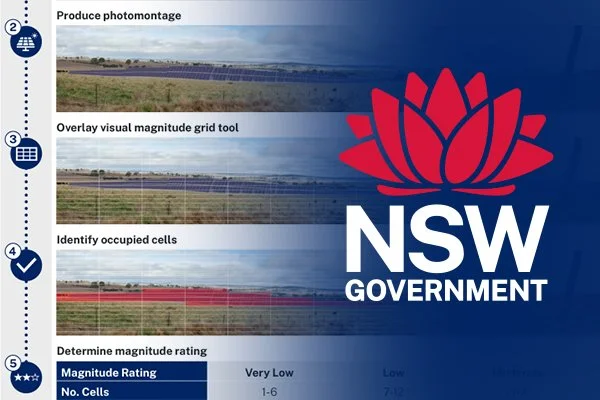
  • A chart showing steps in produce photomontage, overlay visual magnitude grid tool, identify occupied cells, and determine magnitude rating, with the NSW Government logo featuring a red stylized flower.

    Modata Magnitude Grid Tool

    Streamlining NSW DPHI magnitude grid assessment

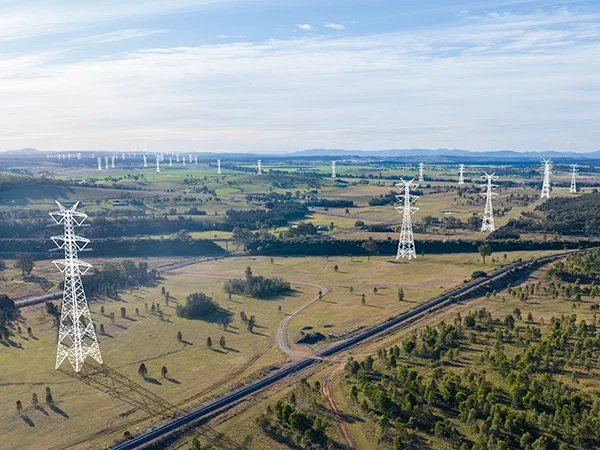
  • Aerial view of green fields with multiple high-voltage power lines and pylons.

    Transmission at Scale

    4 national projects, 240 locations spanning over 1,000km of development corridor

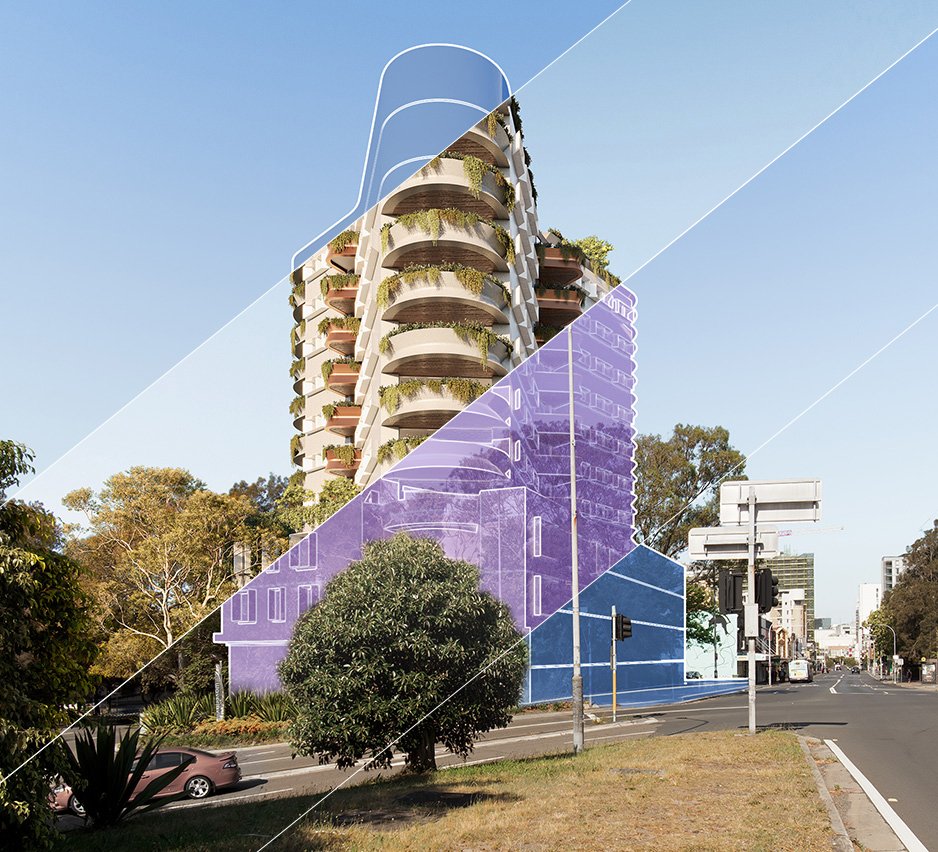
  • A tall modern building with curved balconies and greenery on each level, overlaid with architectural line drawings, standing next to a street with trees, traffic lights, and vehicles under a clear blue sky.

    Level of Detail

    Massing, Expressed & Photoreal

  • A human hand with fingers spread apart against a neutral background.

    Realism vs Reality

    Why AI Makes Verified Visualisation More Important, Not Less

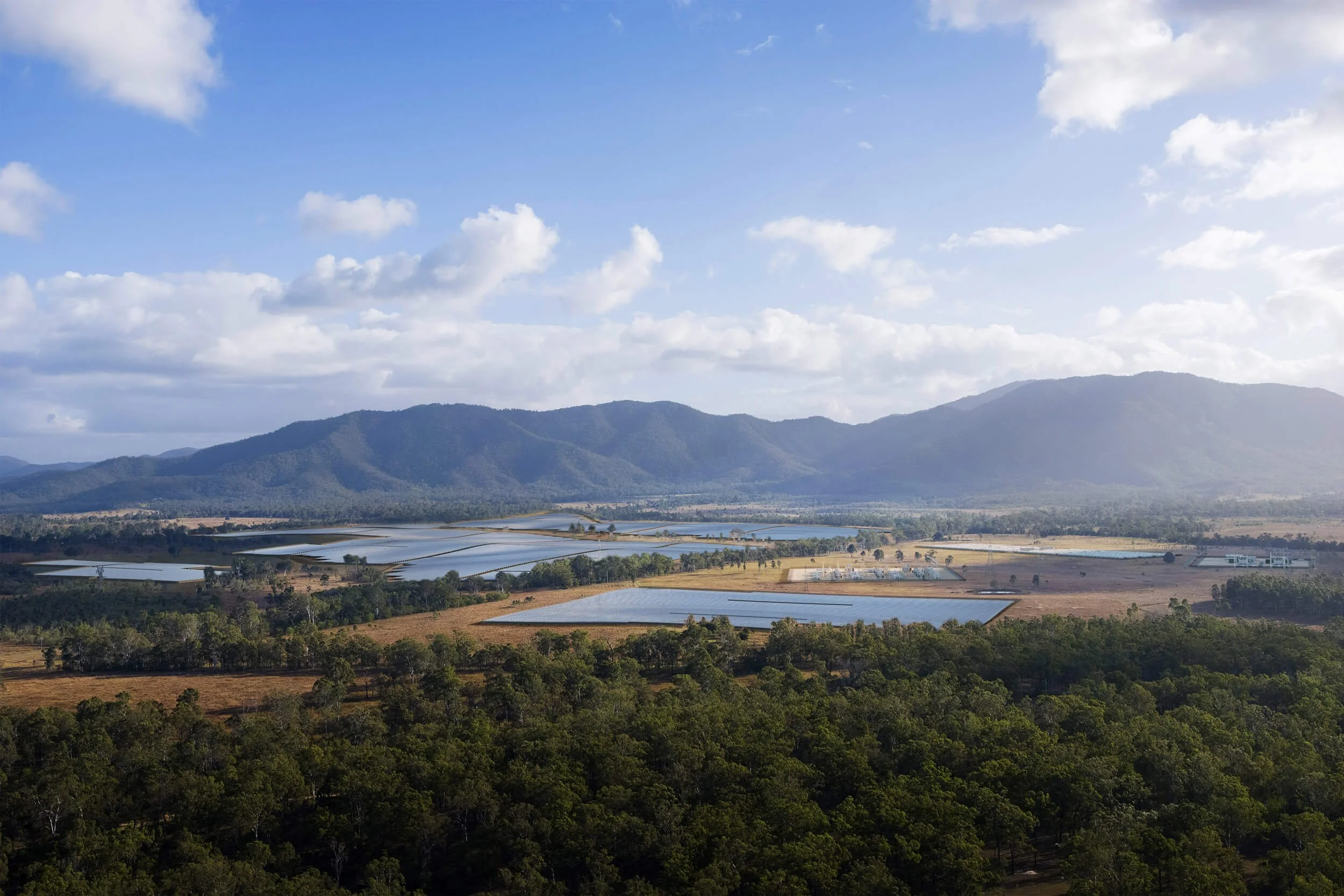
  • A landscape of rolling hills with green and brown foliage under a partly cloudy sky, with power line towers visible in the distance.

    Photomontage vs 3D Imagery

    How to choose the right tool for your project.

  • Final verified photomontage, composited and colour graded

    Making the Image

    From raw data to final composite

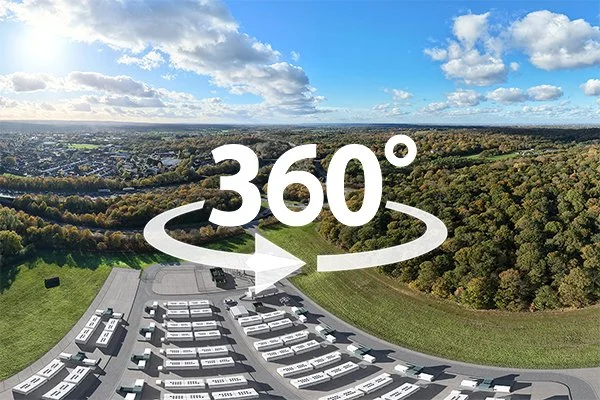
  • Aerial view trees and fields, with a large 360-degree rotation graphic overlay.

    360° Interactive Tours

    Present a project from any angle
Scatterplot graph with black background and brown dots showing data distribution.

Whether you need imagery for community consultation or verified photomontages for an EIS, we'll walk you through the process.